
Customer portal
The Argo Translation Customer Portal (ACP) is a free, exclusive portal for managing translation projects. Its intuitive dashboard streamlines project submission, online quoting, status updates, and billing history, so you keep full oversight of every project.
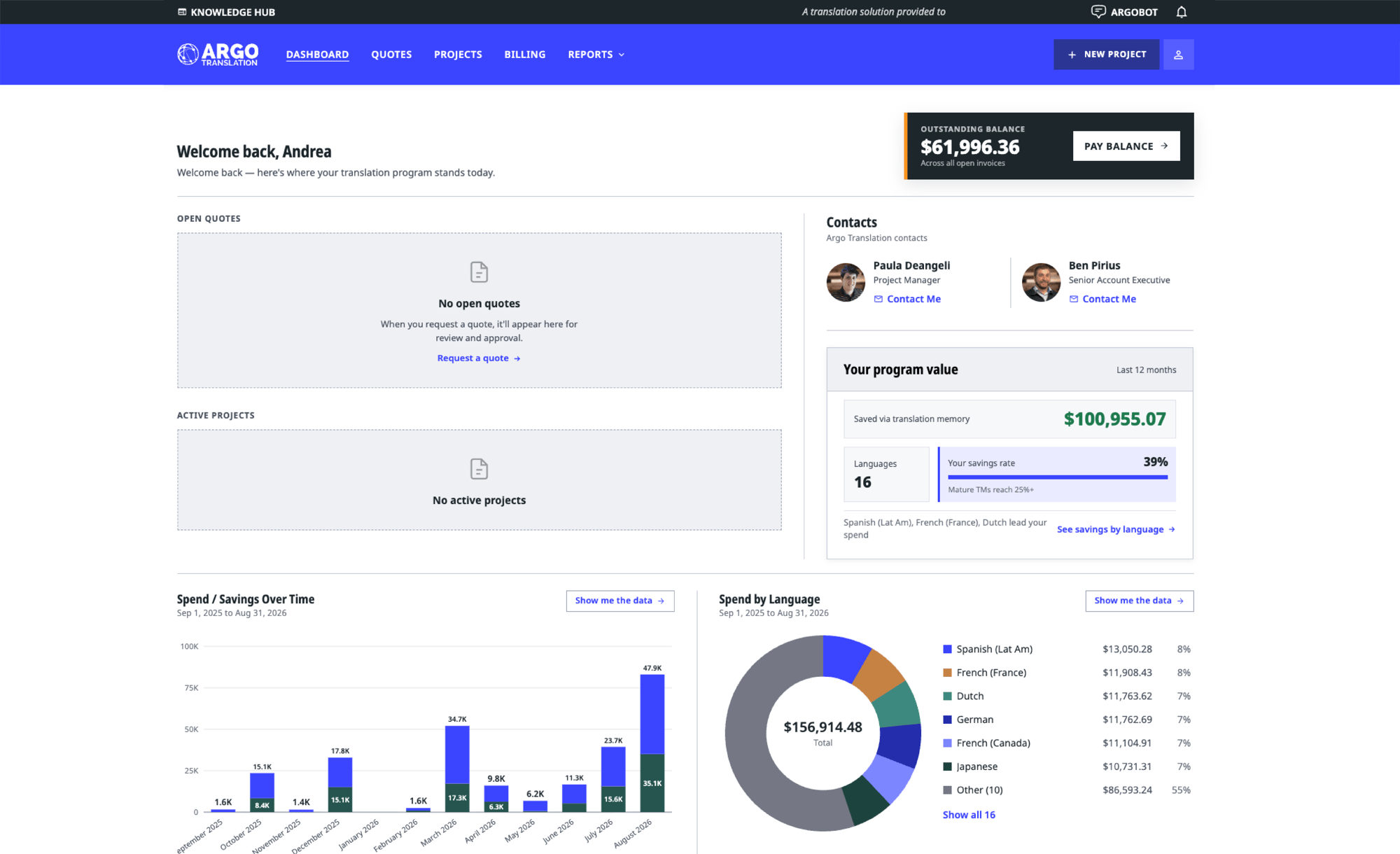
Transparency
See exactly where your translation budget goes
.png)
Insightful reporting tools
Track annual spending, export data for deeper analysis, and receive thorough reviews of sales invoices and orders, so you always know where your translation budget is going.
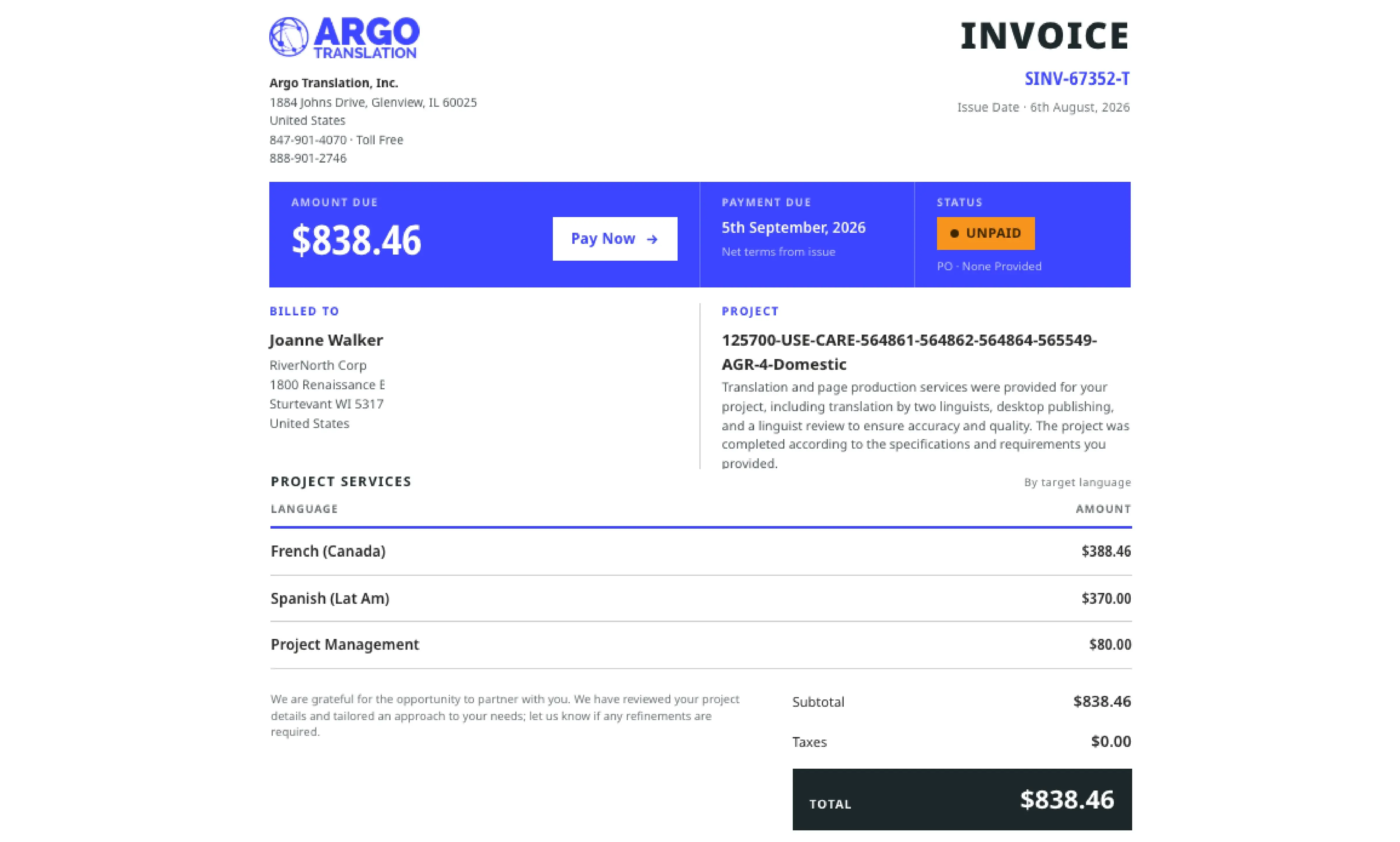
Convenient payment options
Pay invoices directly through the portal with Stripe, our secure, PCI-compliant credit-card processor. Payment information is encrypted and stored securely for convenience on future projects.
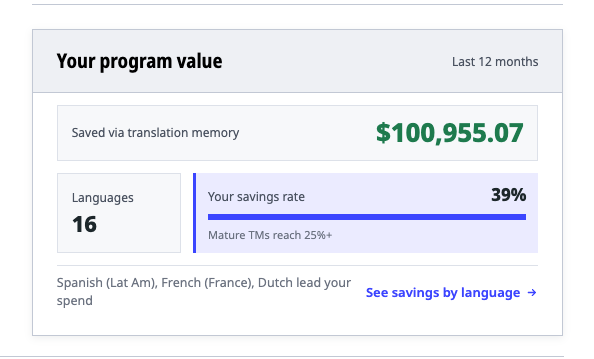
Accurate cost analysis
Gain clear insight into project cost savings and breakdowns by language. Understand your expenses, make informed decisions, and better grasp the ROI of your translation efforts.
Why Argo Translation
Built to make your job easier

Speed
ACP enables quick receipt, review, and approval of quotes, saving customers time and effort on every project.

Innovation
ACP is frequently updated with innovative new features to ensure an exceptional customer experience over time.

Ease of use
An intuitive user interface simplifies navigation and reduces the learning curve, so your team is productive from day one.
In their words
How clients benefit

“Great communication/project management; the process is clear and easy to accomplish translations of many kinds. The portal is nice as well to see payment/invoice history, etc.!”

“Argo Translation’s work has enhanced our access to information. They have an easy, streamlined process. I especially love their portal, which allows my team to request translations on demand and approve quotes.”

“The feedback I get from the team is great. They like the flexibility of either just sending an email or using the portal, knowing there's always someone who will take care of their project. Argo Translation is so easy to work with.”
Helpful articles