SSO & MFA
Protect your translation projects with single sign-on or multi-factor authentication on the Argo Translation Customer Portal. Turn on one, or both.
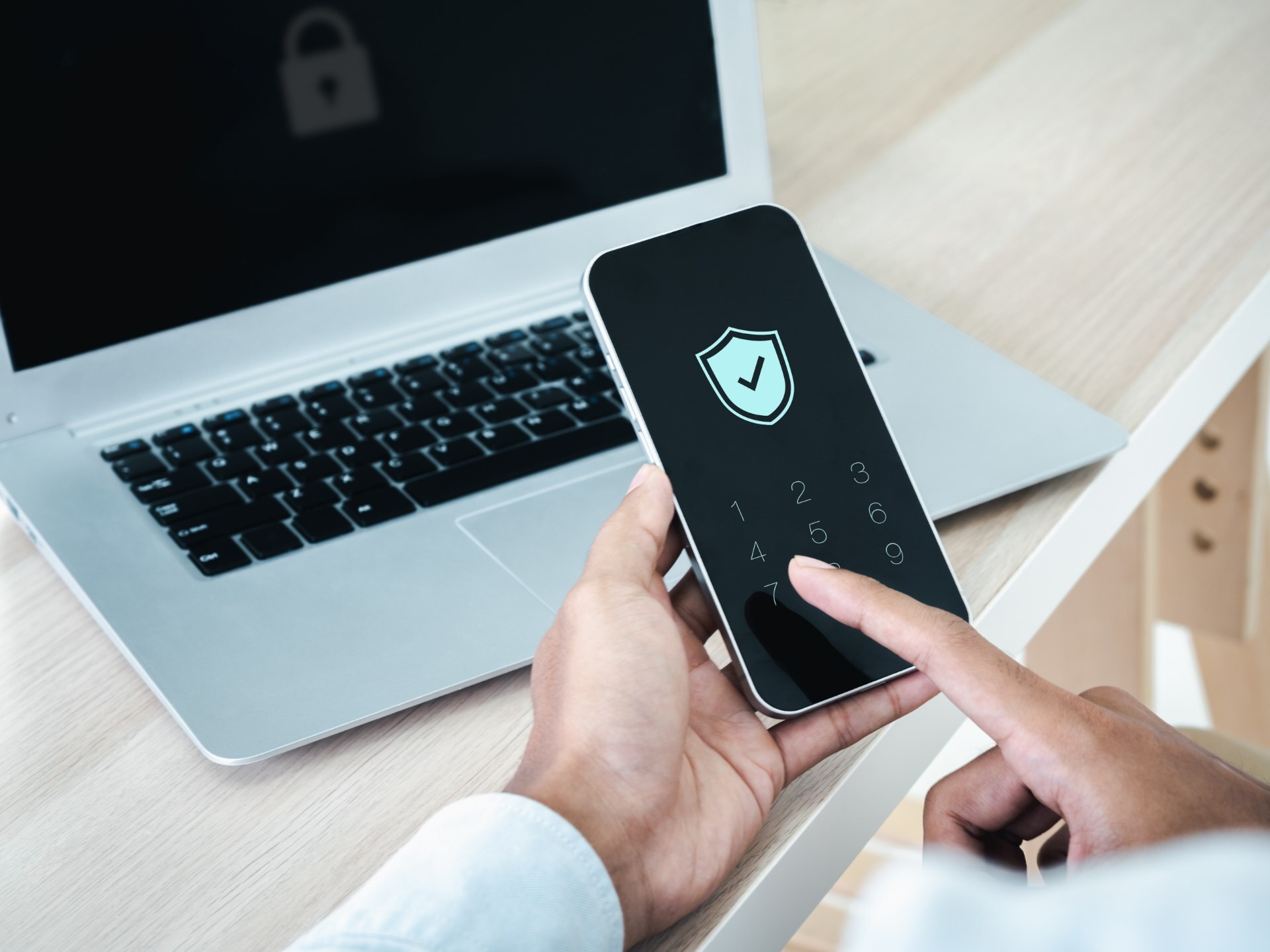
Every extra login is another password to reset, share, or lose. When your team manages translation projects in one more tool, that tool's login becomes part of your security surface.
One login for everything
Single sign-on connects the portal to the login your company already runs. Your team signs in once and gets to work.
- Simpler logins: One username and password covers the portal and your other services.
- Faster workflow: No separate account to create, remember, or recover.
- More time on the work: Less time managing passwords means more time on the projects that matter.
- Lower IT cost: Fewer help-desk tickets for password resets.
A second check before anyone gets in
Multi-factor authentication asks for a second proof of identity, such as a code from an app on your phone, after the password.
- An extra layer: A stolen password alone isn't enough to reach your files.
- Protection against phishing: A second factor blocks the most common route into an account.
- Flexible methods: Works with common authenticator apps and time-based one-time password (TOTP) apps.
- Compliance support: Helps you meet requirements under GDPR, HIPAA, and similar regulations.
Which is right for you?
Compare the options
| SSO | MFA | Most protection Both | |
|---|---|---|---|
| Uses your existing company login | |||
| Second proof of identity | |||
| Fewer passwords to manage | |||
| Blocks access with a stolen password | Depends on your identity provider | ||
| Requires an identity provider | |||
| Best fit | Teams with a company-wide login | Teams without SSO who need stronger protection | Regulated teams |
How it works
Three steps to turn it on
Step 1
Tell us your policy
Share whether you want SSO, MFA, or both, and which identity provider you use.
Step 2
We configure with your IT team
Setup is planned to avoid disruption to live projects.
Step 3
Your team logs in
Users sign in the new way from their next session.
“Our new single sign-on and multi-factor authentication services exemplify our commitment to secure, streamlined access. These initiatives are crucial for protecting and enhancing user experiences, demonstrating our dedication to delivering advanced, user-friendly security solutions.”
Frequently asked questions
Everything you need to know about translation security
What is single sign-on (SSO)?
What is multi-factor authentication (MFA)?
Does SSO or MFA make logging in harder?
Do I need both?
How long does setup take?
What does it cost?
Protect your portal access today
Tell us how your team logs in today, and we'll map the setup that fits your policy.